Servd
Hosting Thanksgiving on November 26? Here's a full menu and cook plan.

For cooking more than one dish

Every dish, done at the same time.

Recipe apps show you how to make a dish. Servd shows you how to make the whole meal.

Tonight's dinnerReady at 6:30
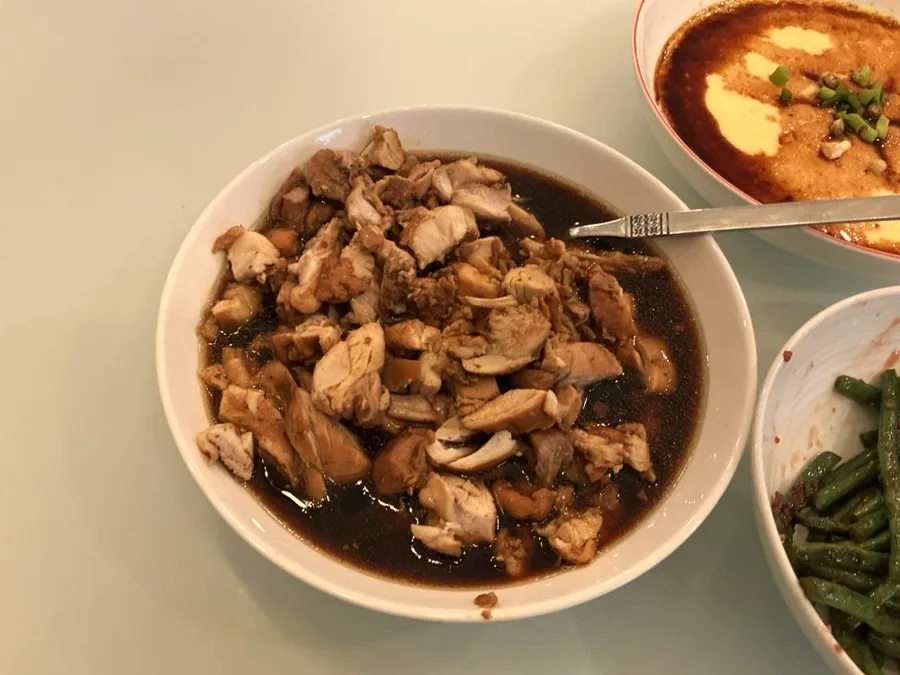
Soy sauce chickenStart 5:20
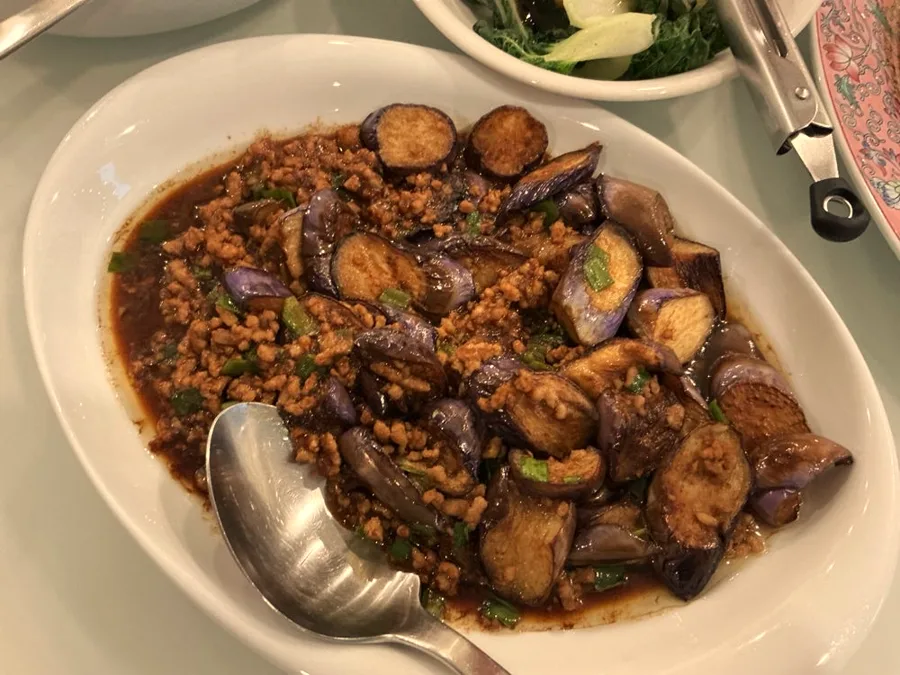
Garlic eggplantStart 5:50
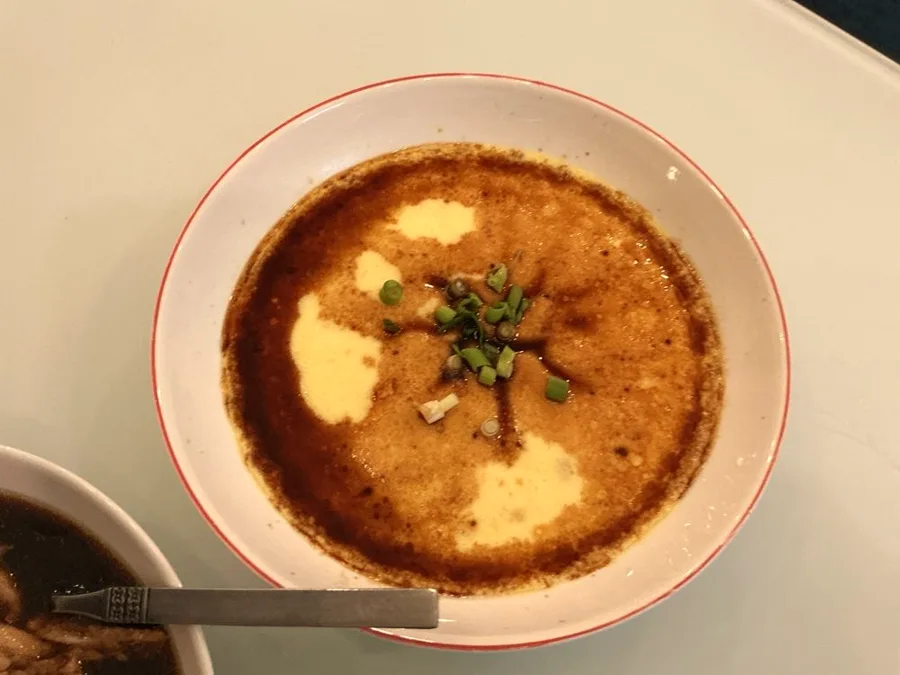
Steamed eggsStart 6:05
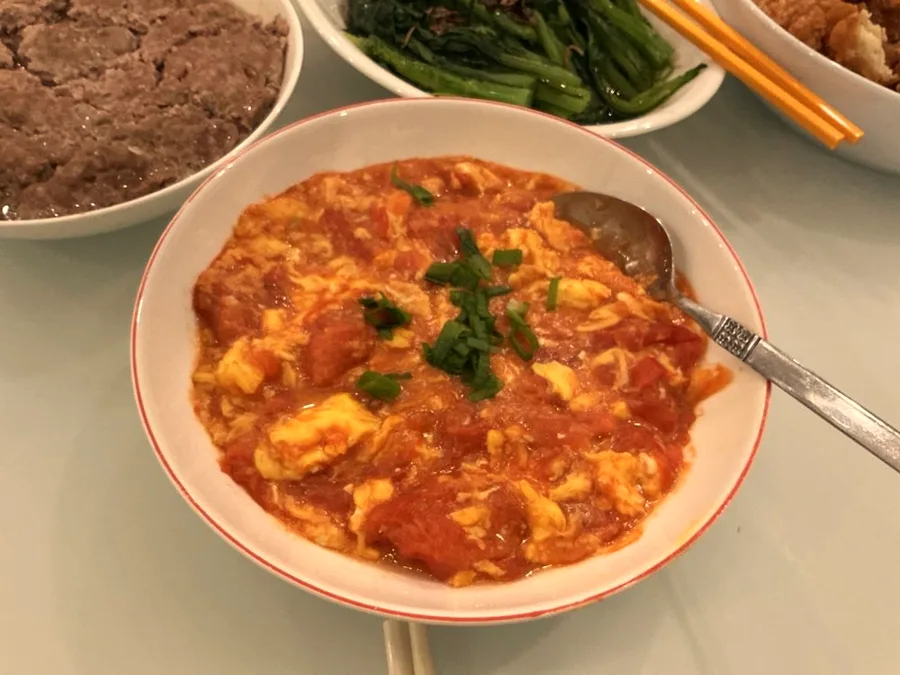
Tomato and eggsStart 6:15
An example plan. Each dish starts at its own time so they all land together.
  • Save recipes from TikTok, Instagram and any website
  • Get one plan that tells you what to start, and when
  • Sit down with everything hot, at the time you picked
Download on the App Store Get it on Google Play
QR code to download Servd Scan this with your phone
to get Servd there

Free to download for iPhone, iPhone Duo, iPad, and Android phones, tablets and foldables.

There are no ads in Servd, and we don't sell your information or track you across other apps.

New in 2.3

What's new in Servd 2.3

Plus a 20-second look at the app.

  • Cook for any diet: set vegetarian, gluten-free, nut-free and more once, and cook plans flag what doesn't fit and swap it in one tap
  • Import from YouTube, and from Instagram or Facebook videos where the recipe is only spoken
  • Your pantry fills itself from what you tick off your shopping list

Update Servd from the App Store or Google Play. See everything that's new.

How it works

1

Save a recipe

Share a post from Instagram, TikTok or Facebook, paste a link, or snap a cookbook page.

2

Pick your dishes and a time

Choose what you're making, how many you're feeding, and when you want to sit down.

3

Cook with one plan

Servd lines up every step across every dish, with timers, so they all finish together.

All you need for your first plan is one saved recipe and the time you want to eat. Add a side or two when you're ready.

What's in Servd

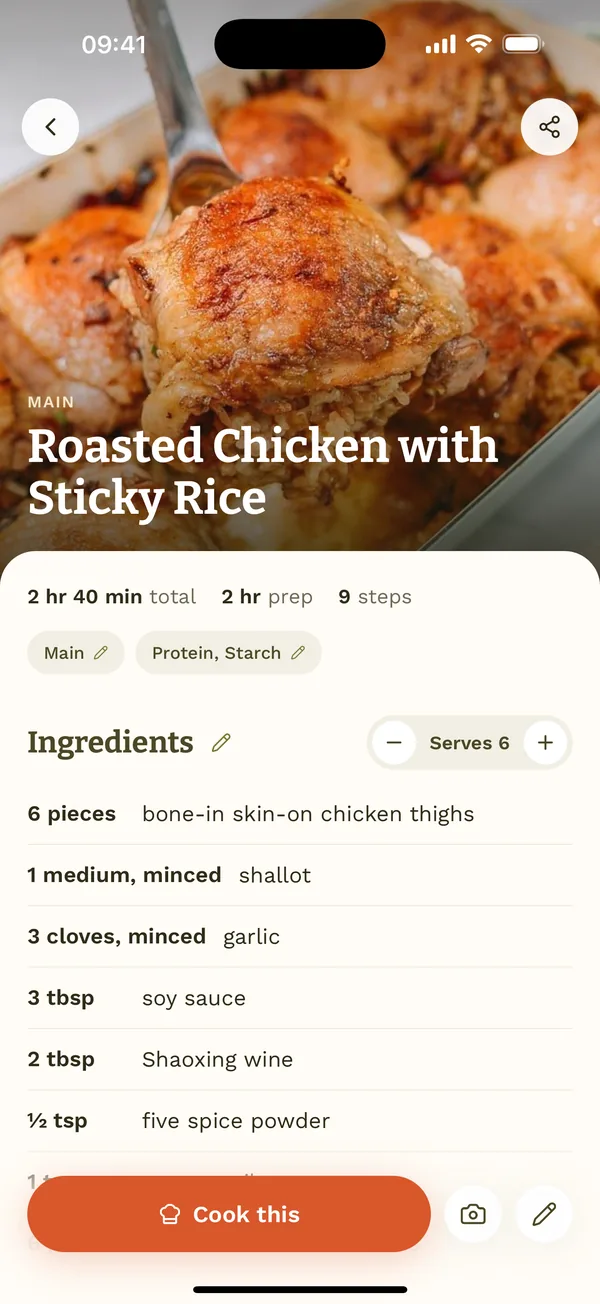
A roast chicken recipe with its ingredients, scaled for six
Save

Import recipes from anywhere

Share a post from Instagram, TikTok, Facebook or YouTube and Servd pulls out the ingredients and steps, even when an Instagram, TikTok or Facebook video only says the recipe out loud. Websites, cookbook photos, PDFs and pasted text work too. Social recipes credit the creator, and recipes in other languages come out in English.

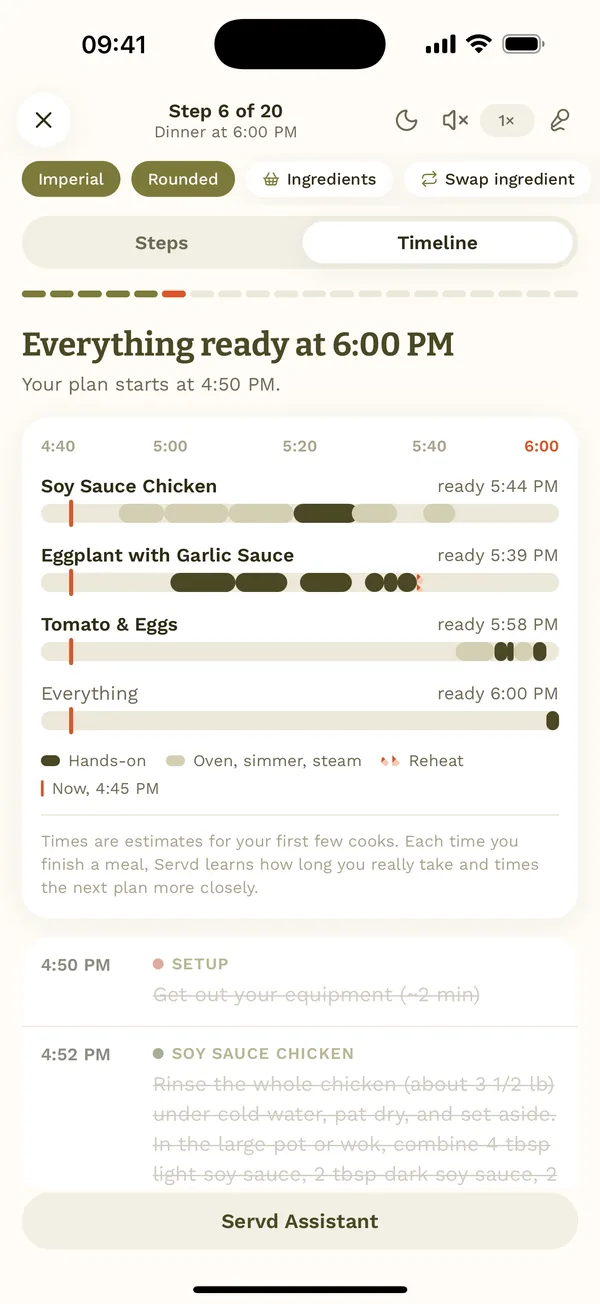
The Timeline view: three dishes on their own rows, all ready at 6:00 PM
Plan

See the whole meal on one timeline

Pick your dishes and when you want to eat, and Servd works backward from there. Switch to Timeline to see when each dish starts, when it's ready, and where you are right now.

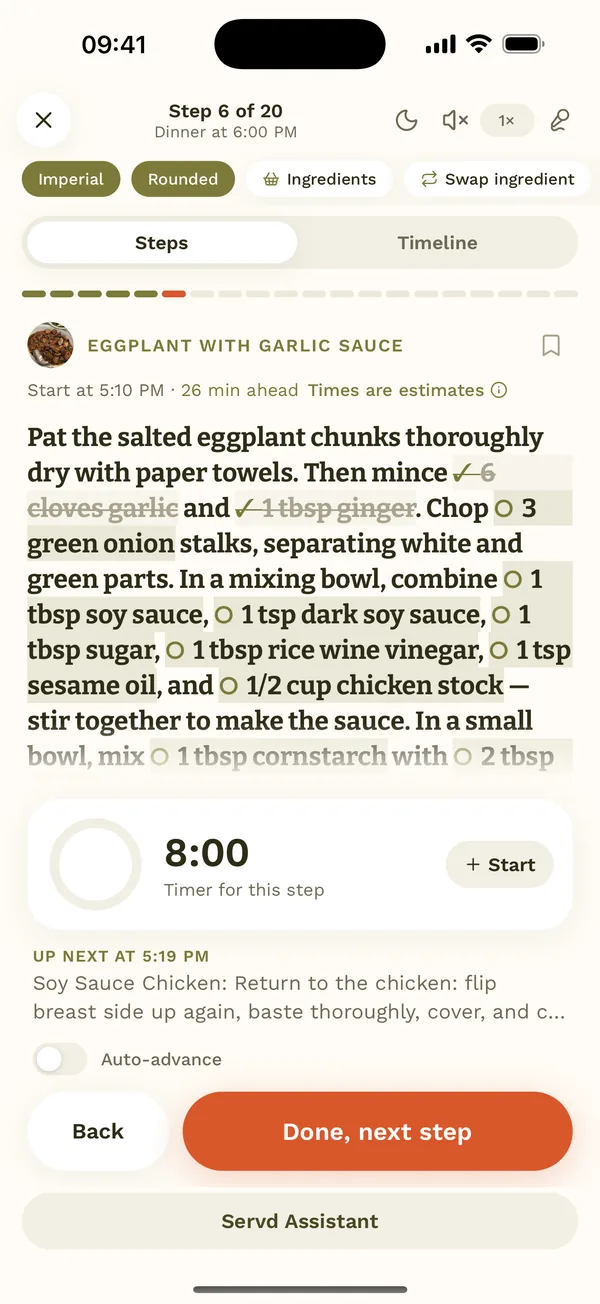
Cook Mode with ingredients ticked off inside the step
Cook

Cook one step at a time

Cook Mode shows one step at a time in text you can read from across the kitchen. Tick off each ingredient right in the step so you know what's already in the pan. Timers keep running in the background, steps can be read aloud, and the cooking assistant answers questions while your hands are busy.

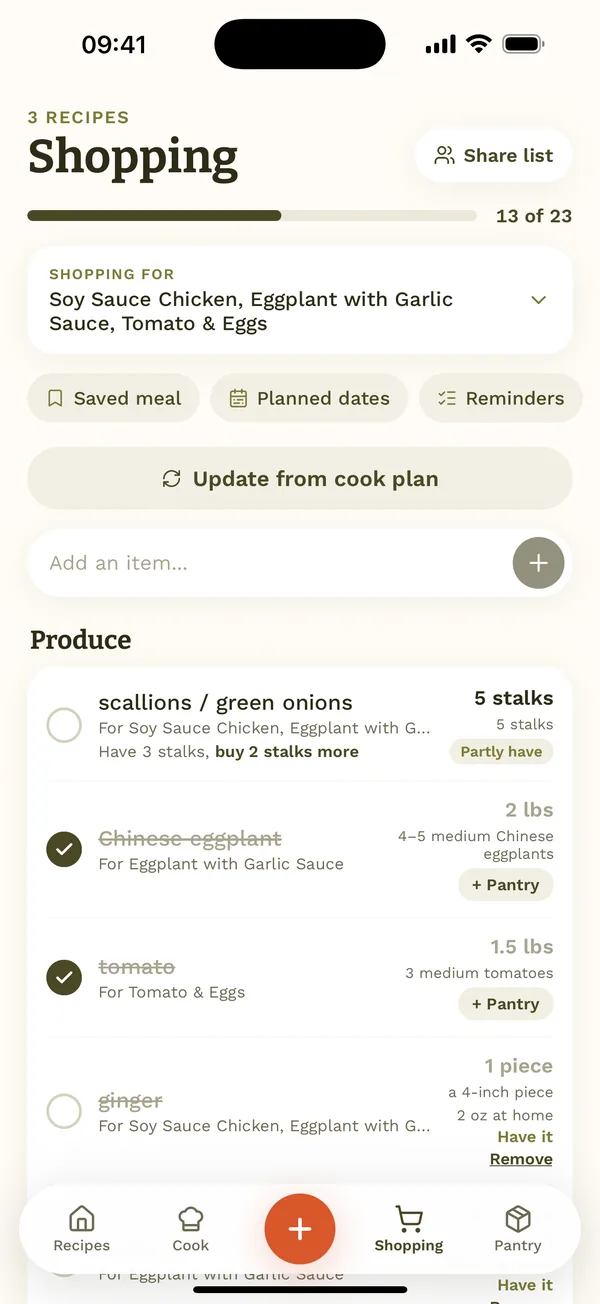
Shopping list grouped by store section
Shop

A shopping list sorted by aisle

Servd merges every recipe for the week into one list grouped by store section, so if five recipes call for salt, salt shows up once. Share it so whoever's at the store sees it too.

A prep list for every meal

Mise en place pulls every prep task out of your recipes, including the marinade hiding in step six, and tells you how far ahead you can do each one.

Meal prep for the week

Pick your recipes, how many portions of each, and when you want to be done. Servd plans the whole session, right down to cooling, portioning and labelling, and tells you how long each dish keeps in the fridge or freezer. Meal prep is free to use.

Cook together with a sous chef

When you have help in the kitchen, sous chef mode splits the plan across two phones. Each of you sees only your own steps, plus what the other person is working on.

Nutrition on every recipe

Every recipe shows calories and protein per serving, and what a serving actually is. Imported recipes keep their own nutrition facts when they have them. Servd Pro adds carbs, fat, fibre, sugar and sodium.

Plans that learn your pace

Recipe times assume you've made the dish a hundred times. Each time you finish a meal, Servd compares how long you really took with the plan, and gives hands-on steps like chopping and searing the time you need next time.

Cook for any diet

Set vegetarian, vegan, gluten-free, dairy-free, nut-free and more once in Settings. Cook plans flag any dish that doesn't fit and swap the ingredient in one tap. Diets are free.

See every feature

How does Servd compare with Paprika, ReciMe, Samsung Food and Plan to Eat? See the comparison chart.

From our kitchen

Real weeknight dinners, cooked from the recipes in our own Servd library.

Tomato and egg stir-fry
Tomato and eggs
Eggplant with garlic sauce
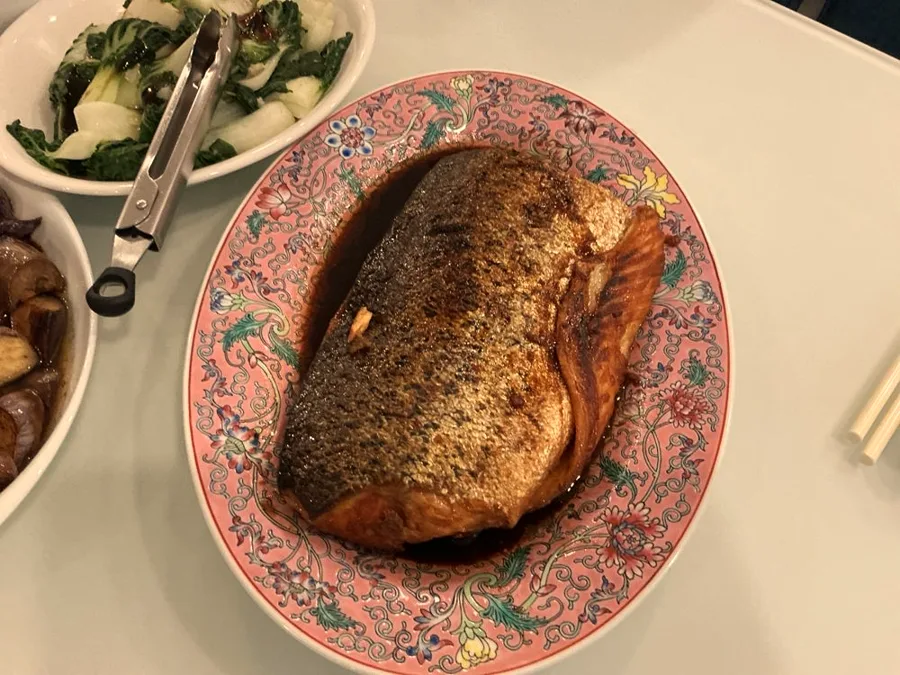
Honey-soy salmon on a serving platter
Honey-soy salmon
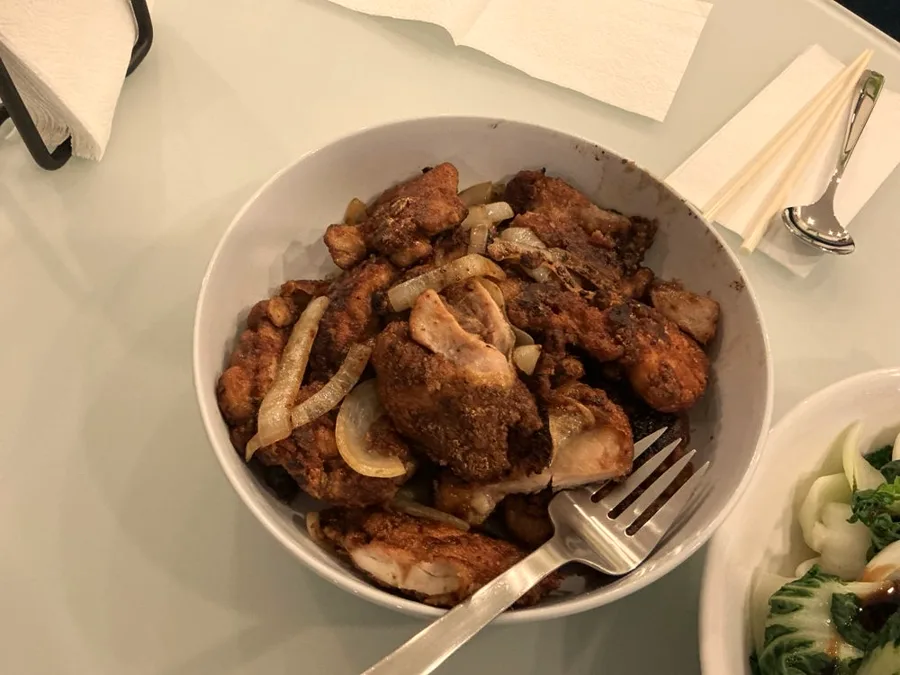
Pan-fried chicken thighs
Steamed eggs with soy sauce
Steamed eggs
Soy sauce chicken
Soy sauce chicken
★★★★★
I always see these recipes online that I like but never make but now I can just import and cook from it and it's really cool how I can make big meals and get everything on the table at once and get a shopping list made for the meal.
App Store review, Canada
★★★★★
I love that it scales recipes. We have a busy home with lots of friends coming and going, and it helps with portioning.
App Store review, Canada
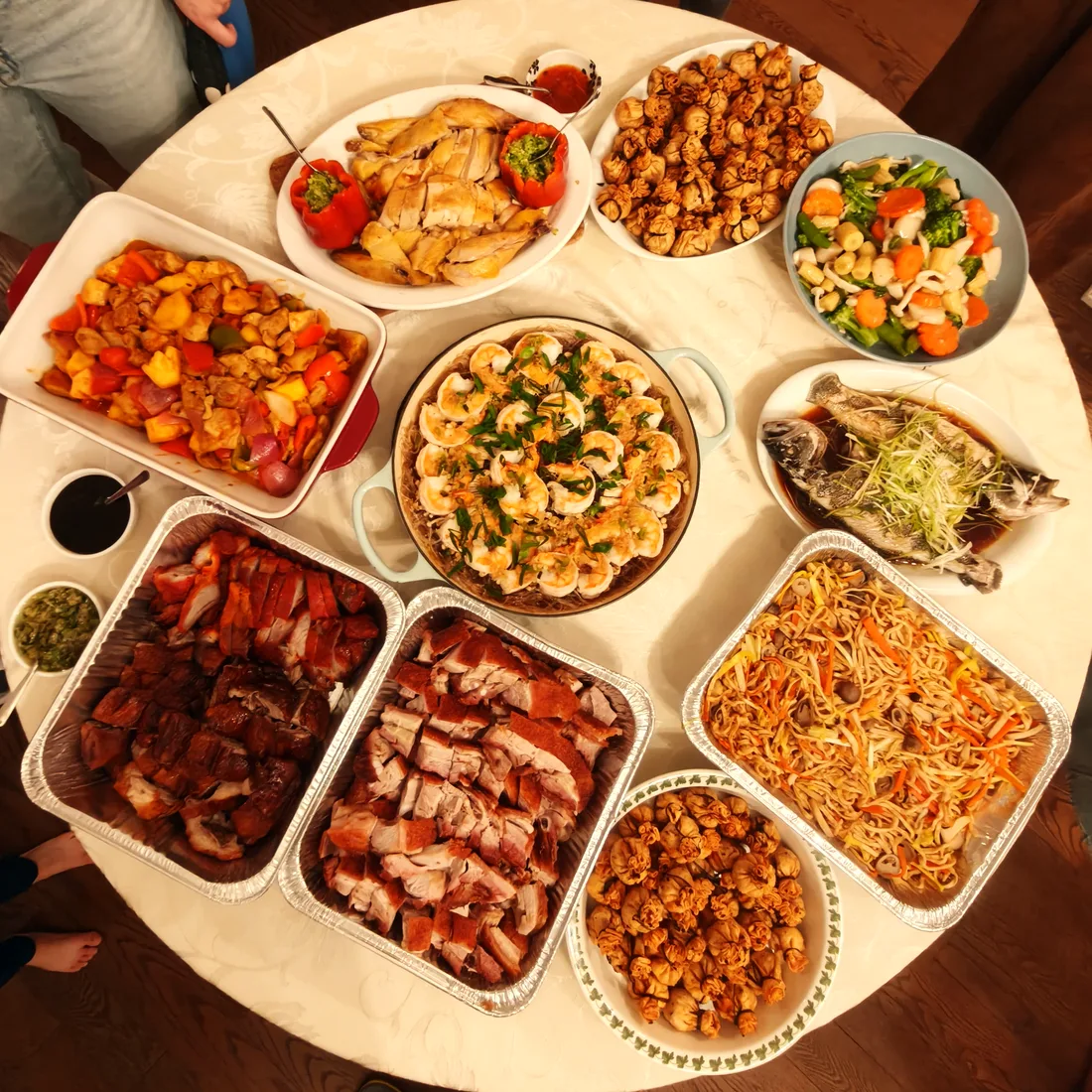
A round table set with a dozen dishes for a family dinner, seen from above
I'm a dad of two and a husband of one from Canada, and most nights I cook a few dishes at once for my family. The recipes were never the hard part. The timing was: the rice done too early, the fish going cold while I finished the vegetables. I built Servd so I could pick what we're having and when we want to eat, and have it tell me what to start and when. These are some of the dinners we've made with it.
Benny, who built Servd

What it costs

Free

$0

Every feature except sous chef mode and the full nutrition breakdown, with an allowance that resets each month:

  • 6 dinners a month, each with its cook plan, prep list and shopping list
  • 7 assistant questions, ingredient swaps, pantry scans or social imports
  • Your recipe library, scaling, saved meals, meal prep and diets
  • Calories and protein on every recipe
For cooking every week

Servd Pro

$4.99 a month

or $44.99 a year (USD), which works out to about $3.75 a month

  • Unlimited cook plans, prep lists and shopping lists
  • Unlimited assistant questions, swaps, pantry scans and social imports
  • Sous chef mode, for cooking together on two phones
  • The full nutrition breakdown: carbs, fat, fibre, sugar and sodium

Want to try Pro first? New subscribers get 7 days free, and Servd reminds you the day before the trial ends. The free version never expires, and you can cancel Pro anytime through the App Store or Google Play.

Common questions

Is Servd free?

Yes. Servd is free to download and use, and every month includes an allowance of AI features like cook plans, recipe imports and pantry scans. Servd Pro removes those limits and adds sous chef mode and the full nutrition breakdown, for $4.99 a month or $44.99 a year, with a 7-day free trial.

Does it work with recipes from TikTok and Instagram?

Yes. Share the post to Servd from the share menu, or paste the link, and Servd pulls out the ingredients and steps and credits the creator, even when the video only says the recipe out loud. Facebook and YouTube, recipe websites, photos of cookbook pages, PDFs and pasted text work too.

Is Servd on Android?

Yes. Servd is on the App Store for iPhone and iPad and on Google Play for Android phones, tablets and foldables, and your recipes sync between them when you sign in.

Do I need an account?

No. You can use Servd without signing in, and your recipes stay on your device. Sign in with Apple, Google or email when you want them backed up and synced to your other devices.

What happens to my data?

There are no ads in Servd. We don't sell your information or track you across other apps, and your recipe notes stay private unless you choose to share them. The privacy policy has the details.

Can two people cook from the same plan?

Yes, with sous chef mode in Servd Pro. The second person scans a QR code to join from their own phone, and the plan is split so each of you sees your own steps and what the other person is working on.

Can Servd plan for a vegetarian or gluten-free diet?

Yes. Set your diets once in Settings: vegetarian, vegan, gluten-free, dairy-free, nut-free, egg-free, shellfish-free, pork-free, or anything else to leave out. Every cook plan is checked against them, and dishes that don't fit are flagged with a swap you can apply in one tap. Diets are free. Always check labels for allergies.

Does Servd show nutrition?

Yes. Every recipe shows calories and protein per serving, plus what one serving is. Recipes that list their own nutrition facts keep them, and the rest are estimated from the ingredients. Servd Pro shows the full breakdown, including carbs, fat, fibre, sugar and sodium. Servd doesn't log what you eat through the day.

How is Servd different from other recipe apps?

Most recipe apps store recipes and make shopping lists. Servd does that too, and it also plans the cooking: pick your dishes and when you want to eat, and Servd builds one timeline across every dish so they're ready together. The comparison chart lays it out next to Paprika, ReciMe, Samsung Food and Plan to Eat.

More answers are on the support page, and the full list is on the features page.

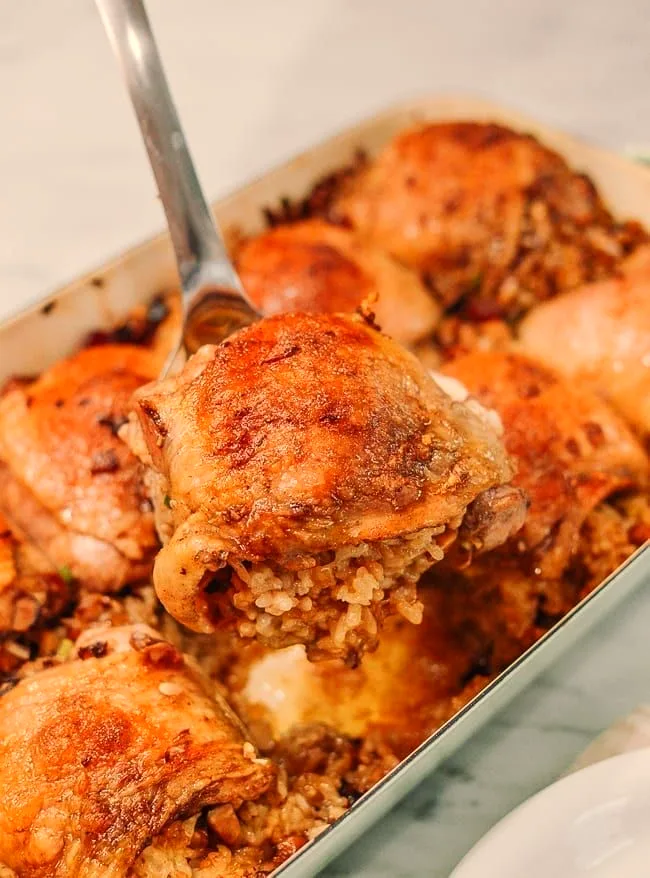
Roast chicken thighs over sticky rice

Planning Thanksgiving

Servd times the turkey, stuffing, sides and pie so they're ready together, and you can plan the whole meal well before the big day.

See the Thanksgiving menu

Try it with tonight's dinner

Download on the App Store Get it on Google Play

Free to download on iPhone, iPad and Android.